> For the complete documentation index, see [llms.txt](https://docs.balkan.id/llms.txt). Markdown versions of documentation pages are available by appending `.md` to page URLs; this page is available as [Markdown](https://docs.balkan.id/getting-started/setting-up-your-tenant/application-integrations/direct-application-integrations/lastpass-integration-setup.md).
# LastPass Integration Setup
### Getting Started
Use this guide to connect LastPass to your BalkanID tenant. You will need credentials from the LastPass Admin Console and access to the Integrations section in BalkanID.
{% hint style="info" %}
The LastPass Enterprise API is available on **LastPass Business** only. User groups are not available on LastPass Teams.
{% endhint %}
#### Requirements:
Before you begin, collect the following values from LastPass:
* **CID**
* **Provisioning Hash**
### Configure LastPass within your BalkanID tenant
1. In BalkanID, go to **Integrations** and click **Add integration**.
Add integration
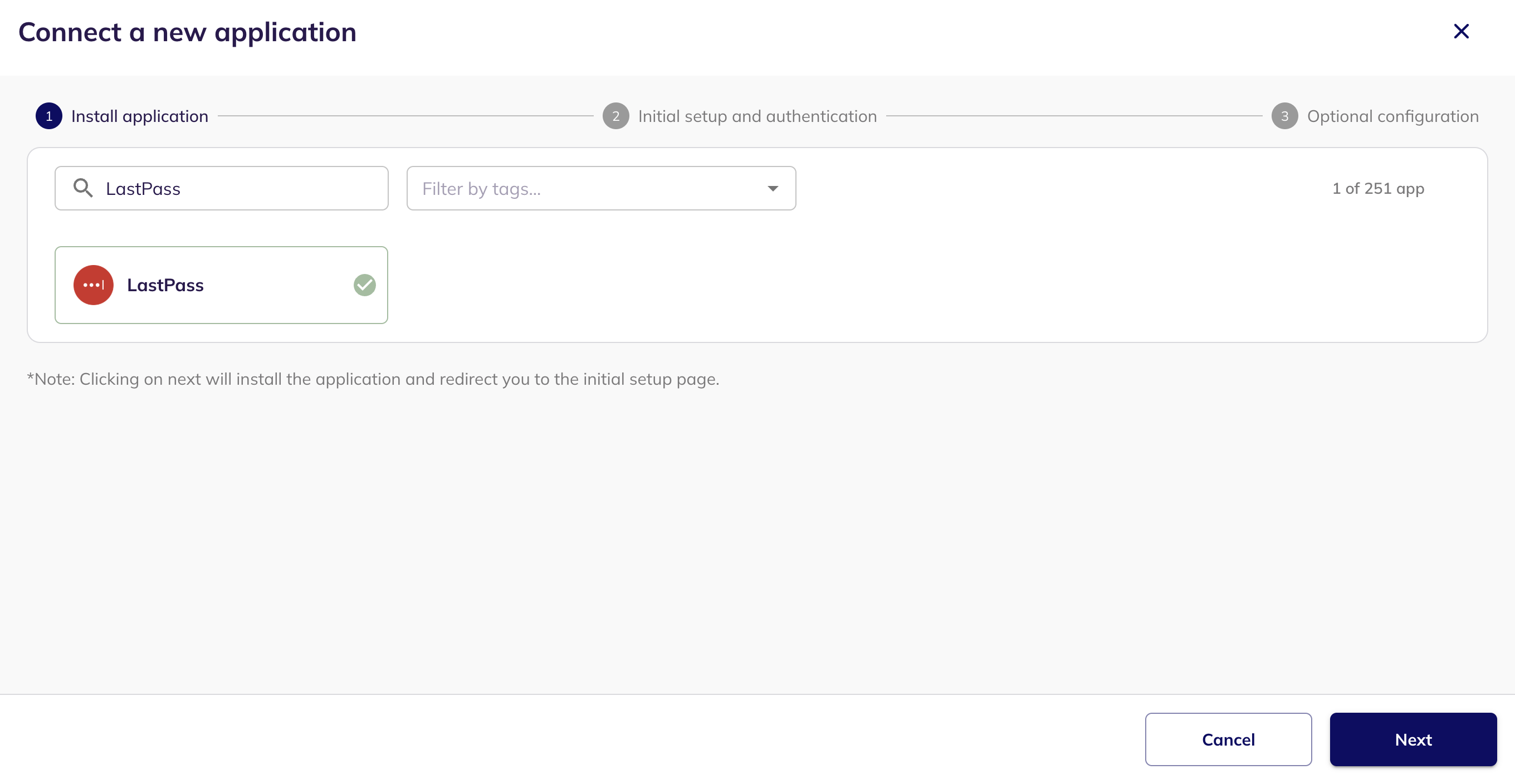
2. Search for LastPass, select it, and click **Next**.
Connect a new application
3. To find your **CID** and **Provisioning Hash**, sign in to the LastPass Admin Console at as a Super Admin or an Admin, and complete multifactor authentication if prompted.
4. Your **CID** is the account number shown in the Admin Console header.
5. Go to **Advanced > Enterprise API** and click **Create provisioning hash**, then **OK**. Copy the value before you leave the page — LastPass displays it only once.
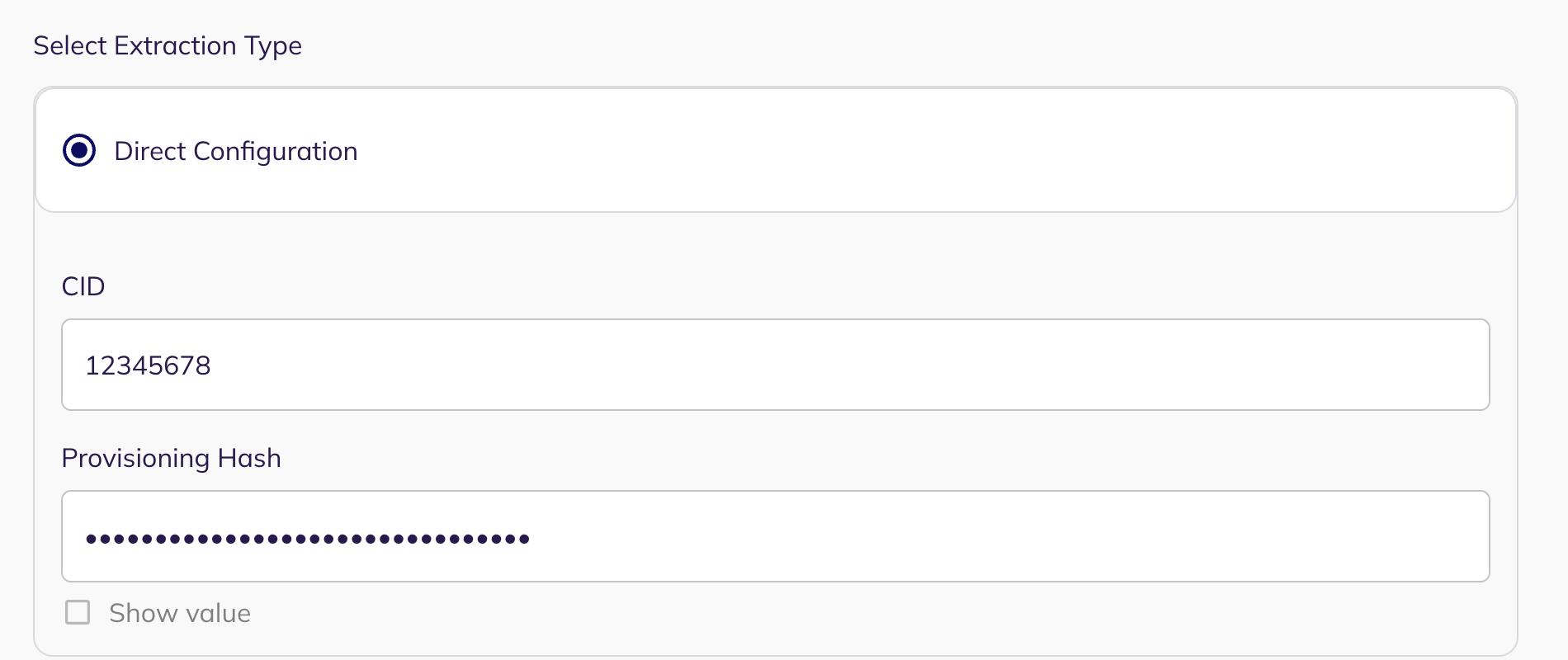
6. In BalkanID, leave **Direct Configuration** selected under **Select Extraction Type**, paste your values into the **CID** and **Provisioning Hash** fields, then click **Next.**
Direct Configuration
7. Click Next to move onto Optional Configuration.
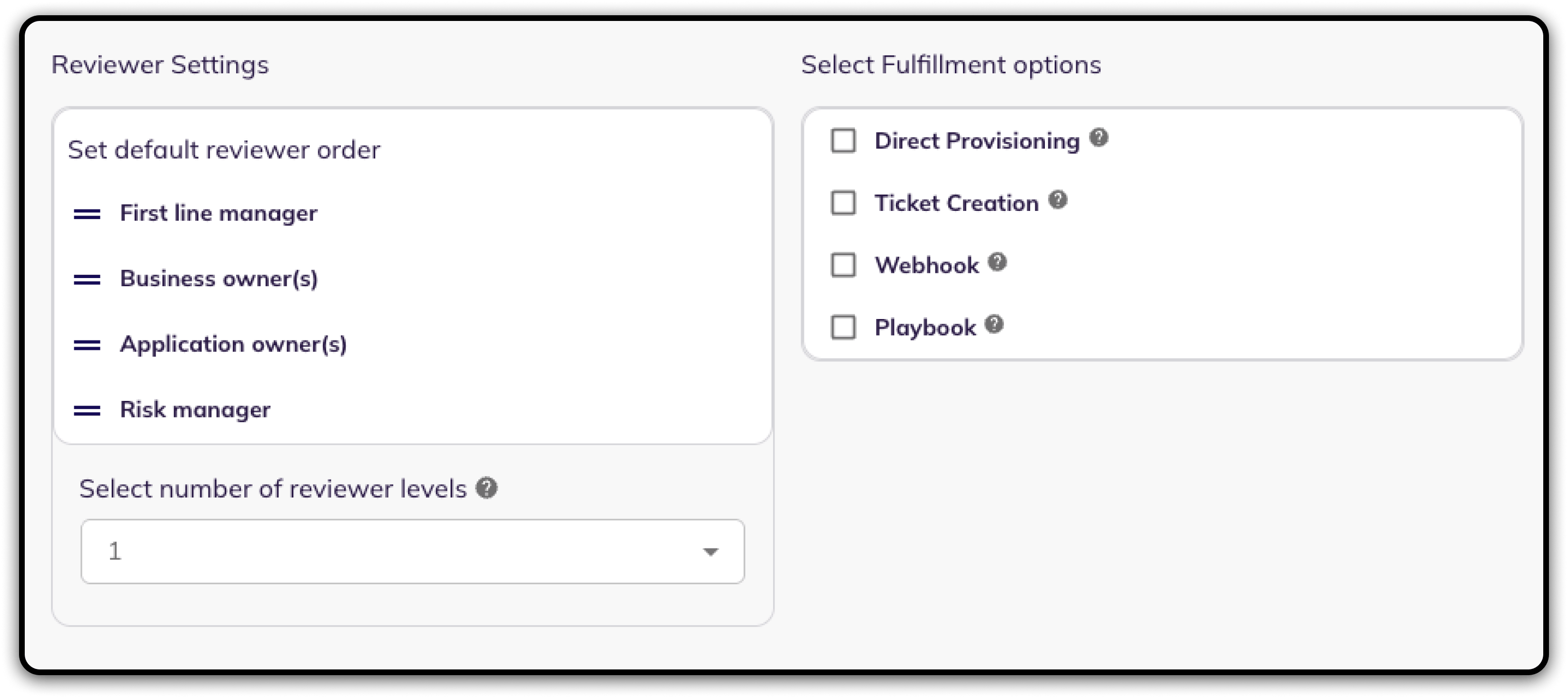
8. Fill **Optional Configuration**, if required.
Optional Configuration
9. Once you have filled in the information, click **Save**. Your integration is now configured and you will see the status of the integration displayed alongside other integrations on the Integrations page. When data is available, the integration Status column will read **Connected** and the integration Message will read **Data available**.
### What BalkanID extracts
| Data | Description |
| ------------------ | ----------------------------------------------------------------------------------------------------------------------------- |
| **Users** | Every user in your LastPass enterprise account, with status, admin flag, last login and master password details. |
| **Groups** | Your LastPass user groups and their members. |
| **Shared folders** | Your shared folders, and each user's permissions on them — read-only, the ability to share, and shared folder administration. |
Access that a user inherits from a group is recorded against that user, along with the group it came from.
{% hint style="info" %}
Keep the provisioning hash safe. It grants access to the LastPass provisioning API independently of the permissions assigned to an administrator in the Admin Console.
Using **Reset your provisioning hash** invalidates the previous value and disconnects any other integration that still uses it, including this one. If you reset it, update the **Provisioning Hash** field in BalkanID with the new value.
{% endhint %}
---
# Agent Instructions
This documentation is published with GitBook. GitBook is the documentation platform designed so that both humans and AI agents can read, navigate, and reason over technical content effectively. Learn more at gitbook.com.
## Querying This Documentation
If you need additional information that is not directly available in this page, you can query the documentation dynamically by asking a question.
Perform an HTTP GET request on the current page URL with the `ask` query parameter, and the optional `goal` query parameter:
```
GET https://docs.balkan.id/getting-started/setting-up-your-tenant/application-integrations/direct-application-integrations/lastpass-integration-setup.md?ask=&goal=
```
`ask` is the immediate question: it should be specific, self-contained, and written in natural language.
`goal` is optional and describes the broader end goal you are ultimately trying to accomplish on behalf of the user. GitBook uses it to tailor the answer towards what is most useful for that goal.
The response will contain a direct answer to the question and relevant excerpts and sources from the documentation.
Use this mechanism when the answer is not explicitly present in the current page, you need clarification or additional context, or you want to retrieve related documentation sections.